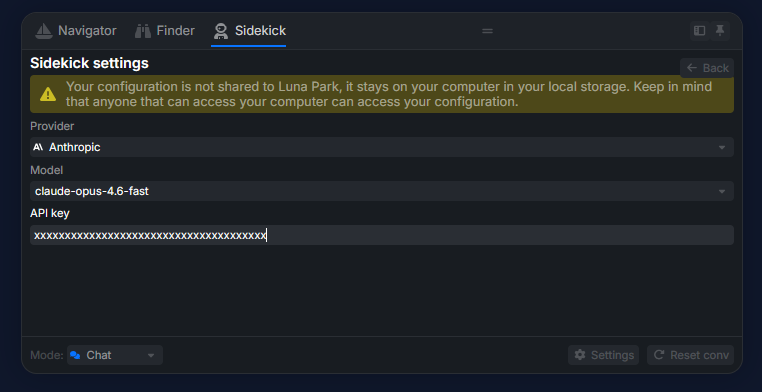
Configure the Sidekick
The Sidekick is the AI assistant built into Luna Park.
Open the panel with Ctrl + Shift + F, then go to the Sidekick tab (next to Navigator and Finder).
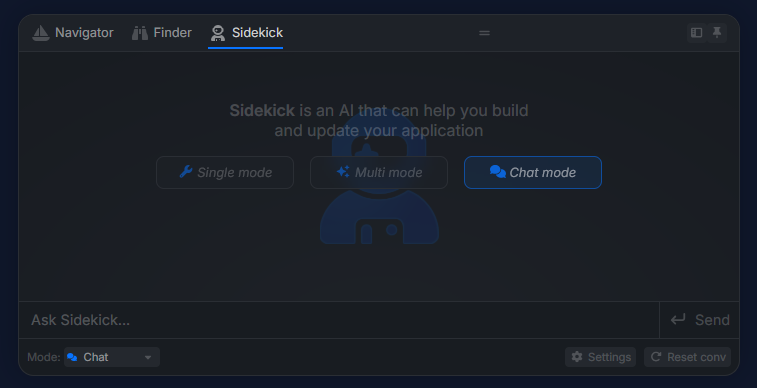
Configure a provider
Three providers supported: Gemini, Anthropic, OpenRouter. For each:
- Select the provider.
- Enter your
API Key. - Pick the model.