Advanced Styles
Section intended for advanced users who want to go beyond Luna Park's native visual editing. Using CSS classes and Tailwind requires injecting code (CSS or JS) into the application. These mechanisms offer a lot of power but increase responsibility for maintenance, scope, and visual consistency.
CSS Classes
What is it for
- Create reusable rules (
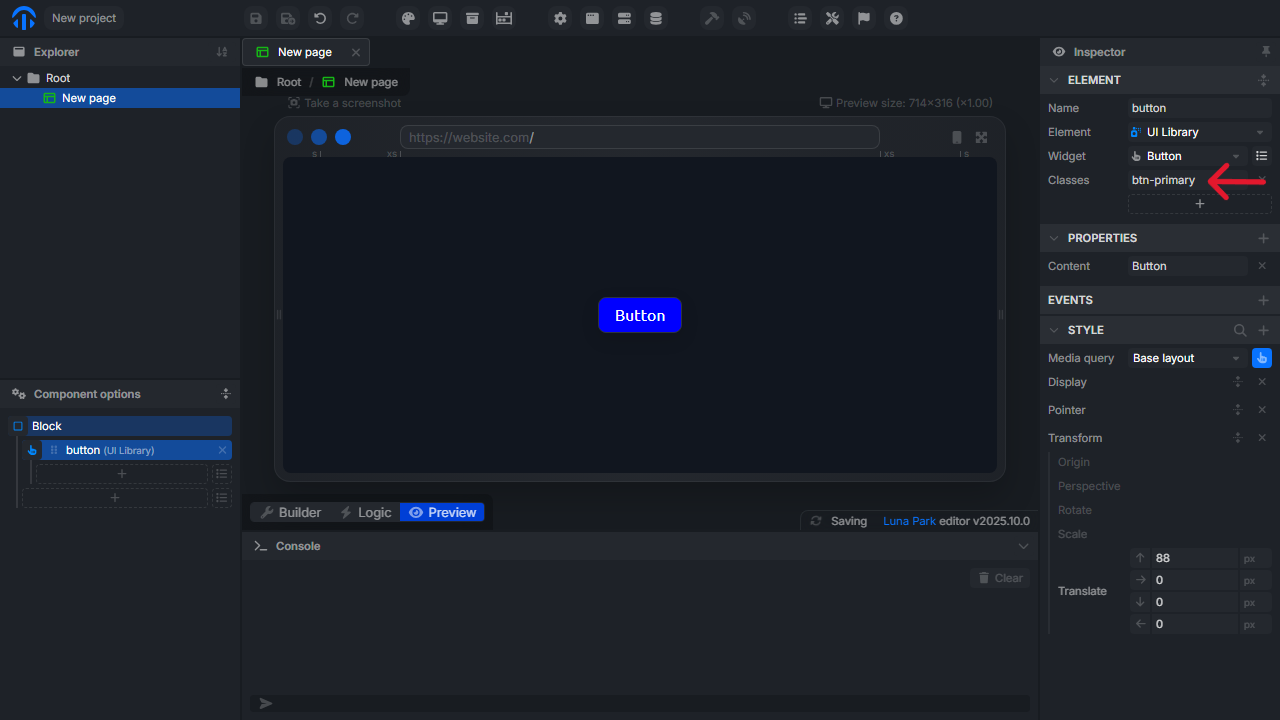
.btn-primary,.card-elevated) that you apply via theClassesfield of a component. - Override styles automatically generated by the editor.
- Implement visual patterns not natively supported by the UI.
How to do it (example)
- Palette => update tokens => Inject => CSS Injection
- Paste the code below
For Firefox users
Check that layout.css.at-scope.enabled is set to true in about:config
css
/* injection.css */
.btn-primary {
  background-color: blue;
  color: white;
  padding: 10px 16px;
  border-radius: 8px;
  box-shadow: 0 6px 18px rgba(0,0,0,0.12);
  transition: transform 160ms ease;
}
.btn-primary:hover {
  transform: translateY(-2px);
}
You can now use your class in any component!
Tailwind
What is it for
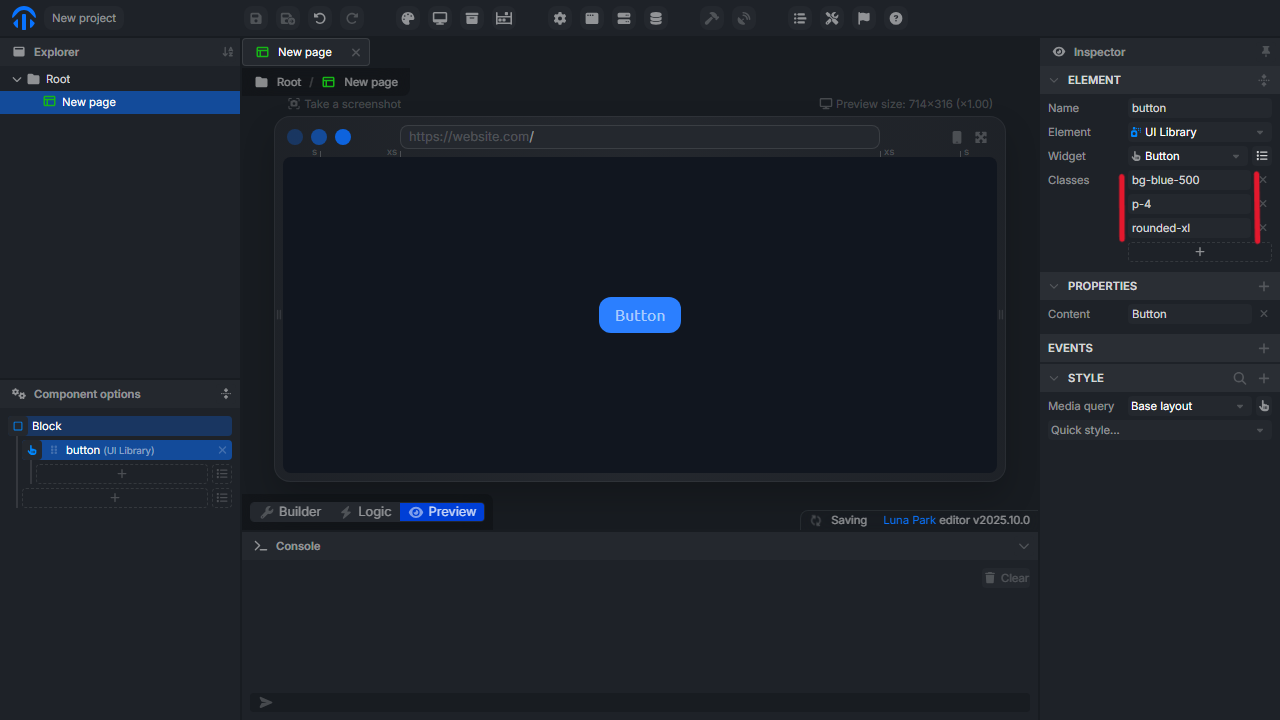
- Use the Tailwind utility library for declarative styling via classes (e.g.,
p-4,text-sm,bg-blue-500). - Allows technical users to quickly write consistent layouts without manually creating every CSS rule.
How to do it (example)
- Palette => update tokens => Inject => JS Injection
- Paste the code below
js
import scope from 'https://esm.sh/@luna-park/tailwind-scope';
scope({ from: '.fw-body' });- Click on
Trigger
You can now use Tailwind in any component!