Visual effects
Visual effects let you add depth and relief to your interface. They influence the perception of elements without modifying their structure.
Rounded corners (Radius)
| Property | Description |
|---|---|
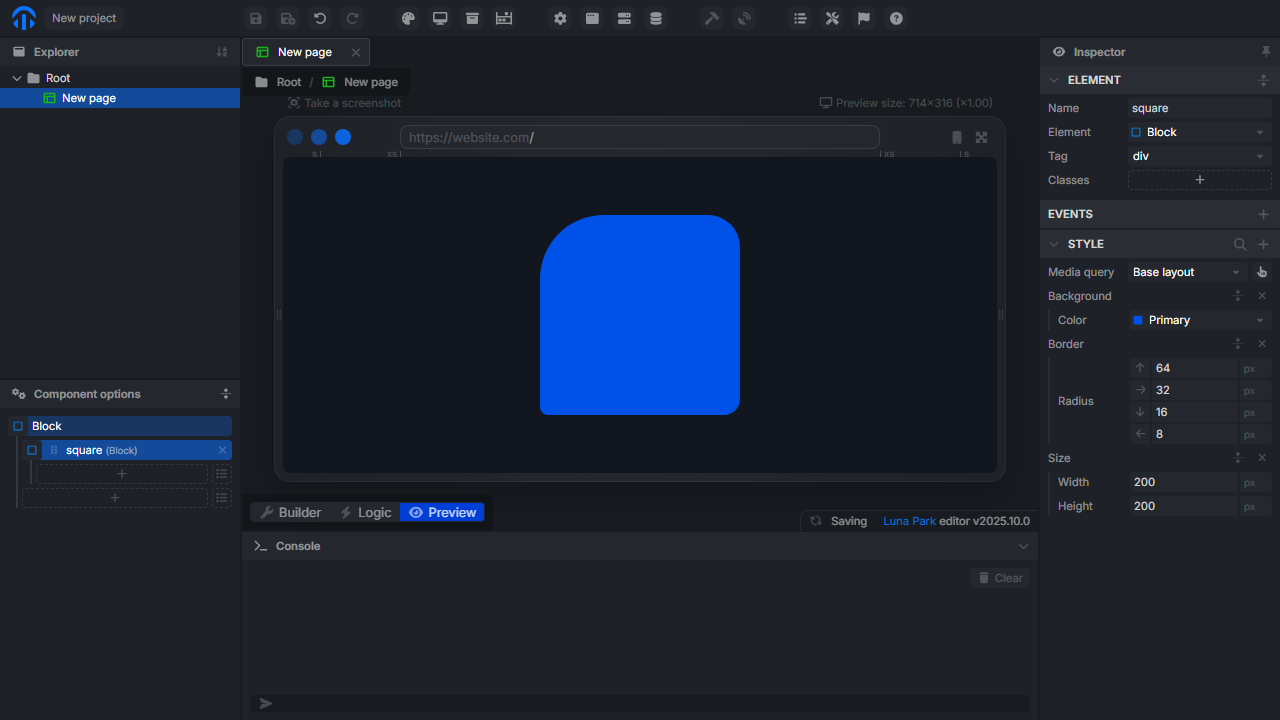
| Border Radius | Defines the curvature radius of corners. Can be applied uniformly or individually (top-left, top-right, etc.). |
Borders (Border)
| Property | Description |
|---|---|
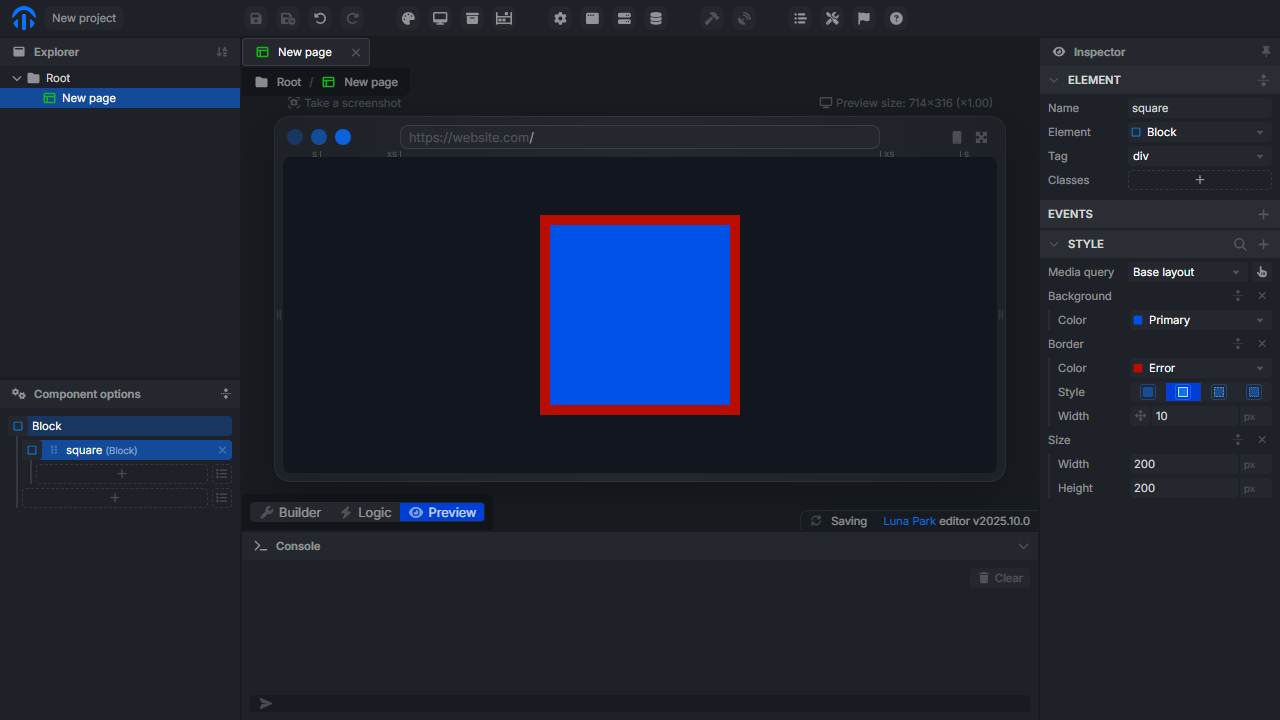
| Width | Border thickness. |
| Color | Border color. |
| Style | Border style (solid, dashed, dotted). |
Shadows (Shadow)
| Property | Description |
|---|---|
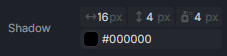
| Blur Radius | Shadow blur. |
| Spread Radius | Shadow size. |
| Offset X/Y | Horizontal and vertical offset. |
| Color | Shadow color. |
Opacity (Opacity)
| Property | Description |
|---|---|
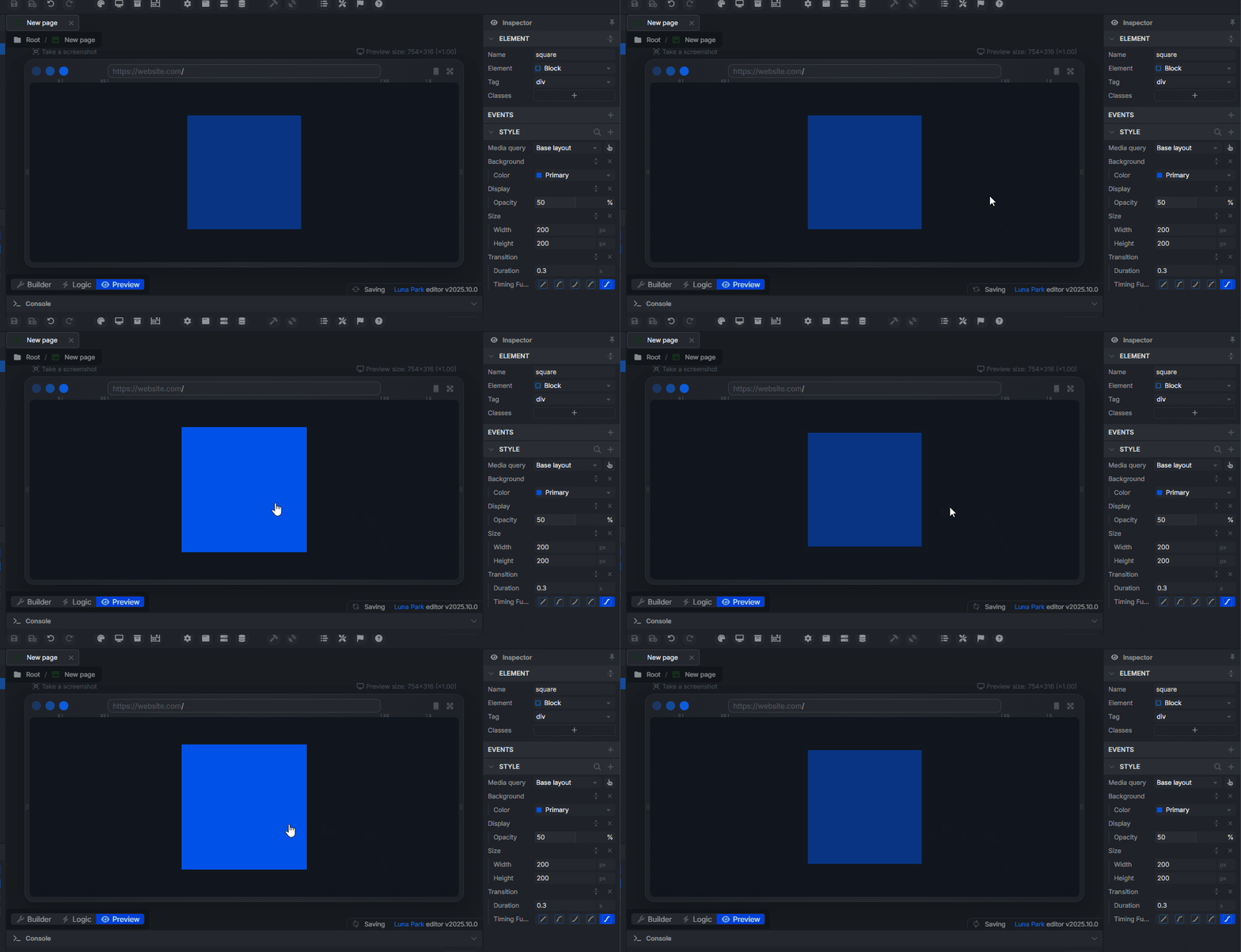
| Opacity | Defines the transparency of the element (from 0 to 100%). |

Transformations (Transform)
Transformations let you modify the position, size, and orientation of an element without affecting its flow in the page. They are often used to create animations or dynamic visual effects.
| Property | Description |
|---|---|
| Translate | Moves an element on the X, Y, or Z axis. Example: translateX(50px). |
| Rotate | Rotates an element around its center. Example: rotate(45deg). |
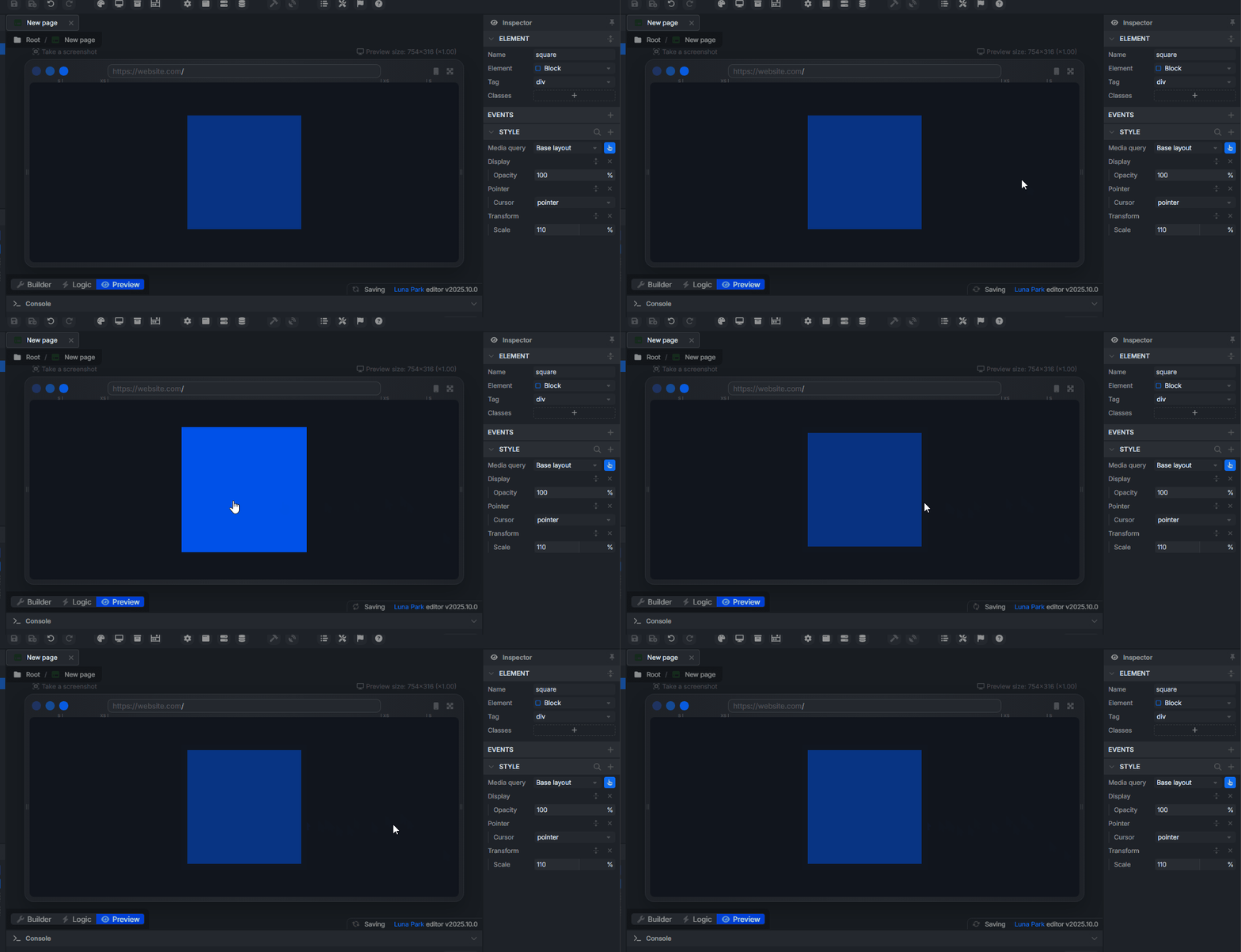
| Scale | Enlarges or shrinks an element. Example: scale(110%). |
Hover effects (Hover)
Luna Park lets you add specific styles when an element is hovered. To activate hover mode, click the hand icon in the properties bar. A new style state then appears, letting you freely modify properties (color, shadow, opacity, etc.) applied only on hover.
Transitions (Transition)
| Property | Description |
|---|---|
| Duration | Defines the animation duration (in ms). |
| Timing Function | Transition speed curve (ease, linear, etc.). |
| Delay | Defines the delay before the effect starts. |